Audit Logs
Audit logs record important system operations — who did what and when. Divided into system events and user operation events, used for tracing activity history and troubleshooting.
Go to Settings → Maintenance.

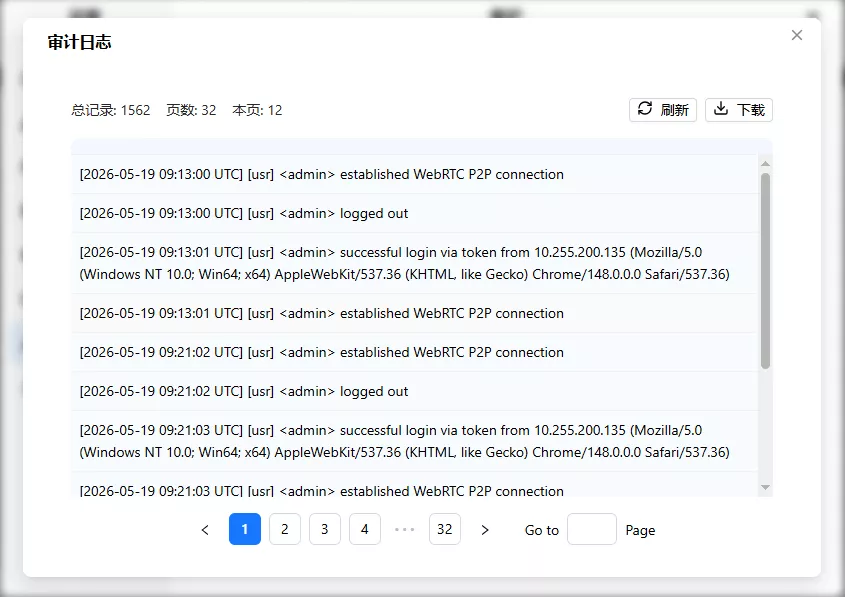
Click "Audit Log" to open the window:
Log Categories
- System events
[sys]: Network config changes, OTA upgrades, factory resets, SSH auth failures, etc. - User events
[usr]: Login/logout, account management, USB control, video settings, network config, system reboot, etc.
Format: [YYYY-MM-DD HH:MM:SS UTC] [sys|usr] log content
Viewing Logs
50 entries per page, with pagination. The top of the window shows total records, total pages, and current page count. Click refresh to get the latest.
Download Logs
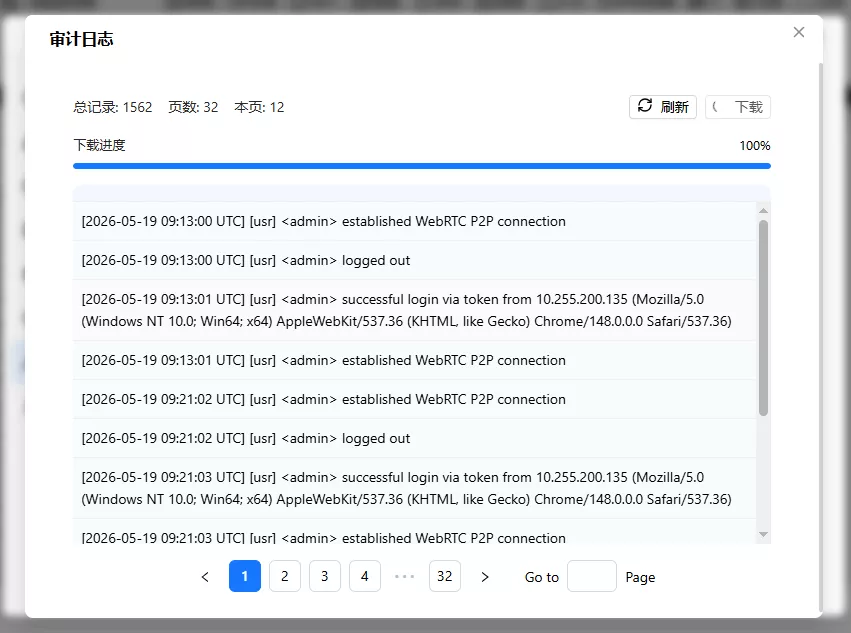
Click download → choose save directory → progress bar reaches 100% and verification passes → saved to the selected directory.
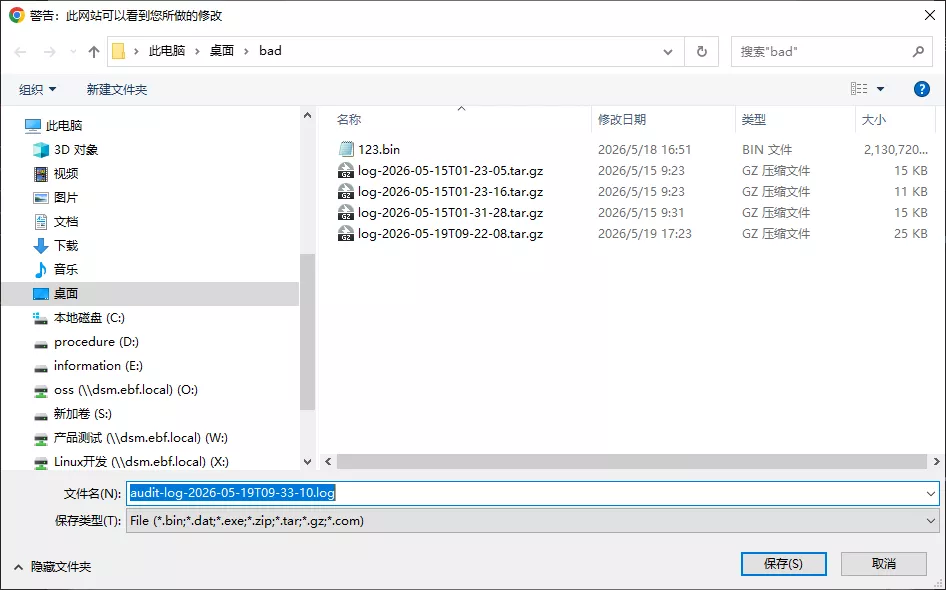
Filename: audit-log-{ISO-timestamp}.log, e.g., audit-log-2026-05-19T09-33-10.log