Online Upgrade
If the device has internet access, you can upgrade firmware online. New versions bring security fixes and new features — check monthly; it takes about 5 minutes.
Before You Upgrade
| Item | Requirement |
|---|---|
| Stable power | ⚠️ Use a dedicated power adapter. Power loss during upgrade may brick the device. |
| Network connectivity | Download interruption only causes failure — won't damage the device. |
| Device idle | The device will reboot during upgrade — don't perform other operations. |
Go to Web interface → Settings → Upgrade.
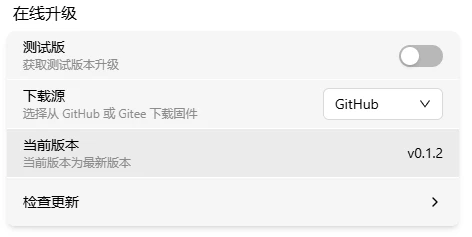
Beta
Want early access to new features? Enable the beta option to receive beta updates.
Beta versions may be unstable — don't use in production.
Download Source
Choose the firmware download location:
Current Version
Shows the current firmware version (e.g., v0.1.0).
Stable release: v0.x.x Beta release: v0.x.x-Beta.x
Check for Updates
Click Check for Updates. The system does not check automatically — we recommend checking manually once a month.
Verify: New version available → a "New Version" card and "Download Package" button appear. No update → you're on the latest.
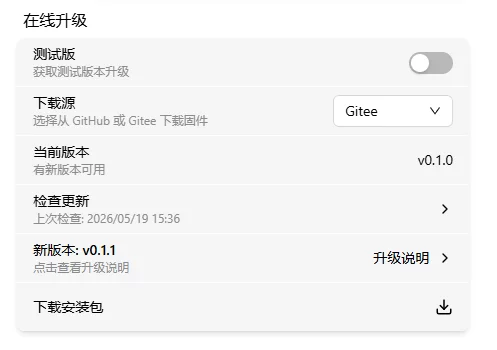
New Version
Shows the new version number (e.g., v0.1.1). Click to view the changelog:
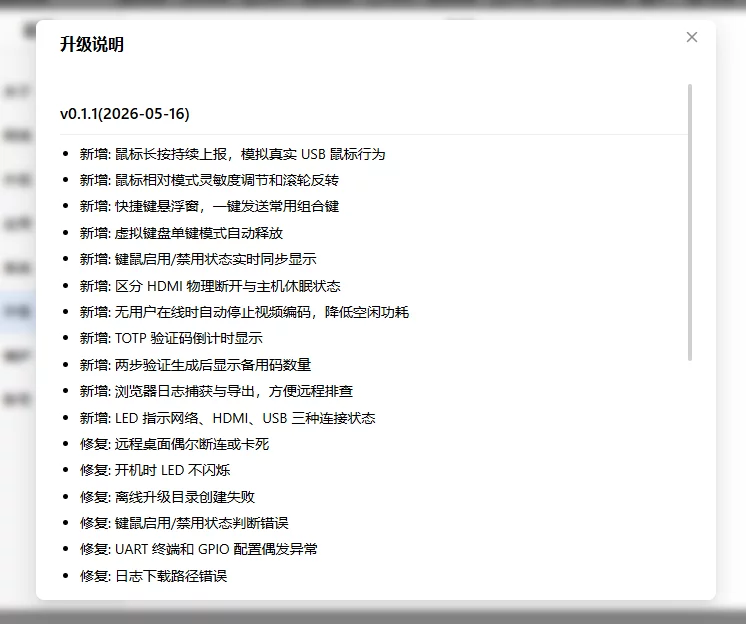
On poor network connections, the changelog appears as a link — click to open in your browser.
Download & Upgrade
Click Download Package and wait for the progress bar to complete:
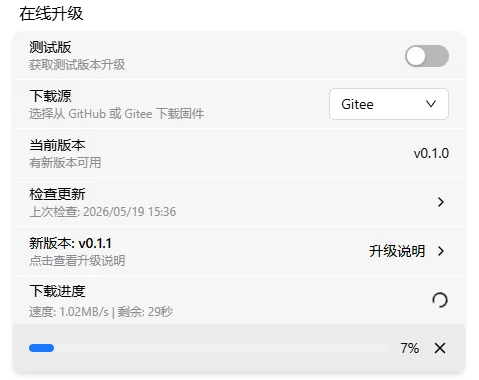
After download, the firmware is auto-verified. Verification passes → button changes to Upgrade Now:
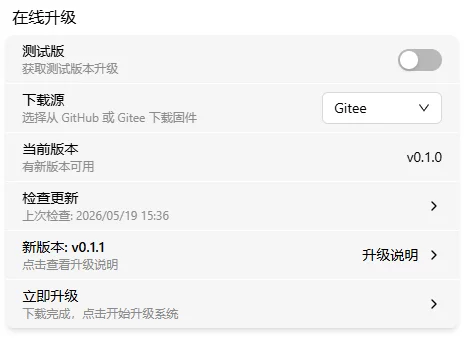
Click Upgrade Now → enter password to confirm (with 2FA enabled, also enter verification code):

After verification, upgrade begins:
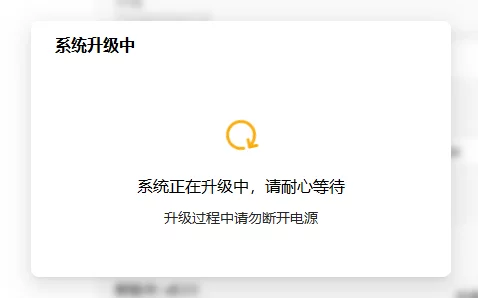
Verify: During upgrade, the OLED shows an upgrade icon and 🔴 Warning LED fast-blinks. When complete, the device auto-reboots and OLED shows the IP again.
Upgrade success:
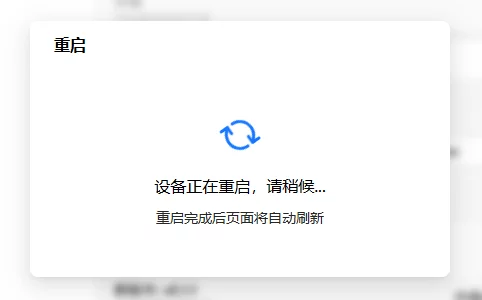
Upgrade Failed?
| Symptom | Likely cause | Try this first |
|---|---|---|
| Download failed | Unstable network | Switch download source (GitHub ↔ Gitee), or use Offline Upgrade |
| Verification failed | Corrupted download | Delete and re-download |
| Stuck during upgrade | — | Be patient, don't power off. If unresponsive for 10+ minutes, then troubleshoot |
| Won't boot after upgrade | Power loss during upgrade | See Flash Firmware for recovery |